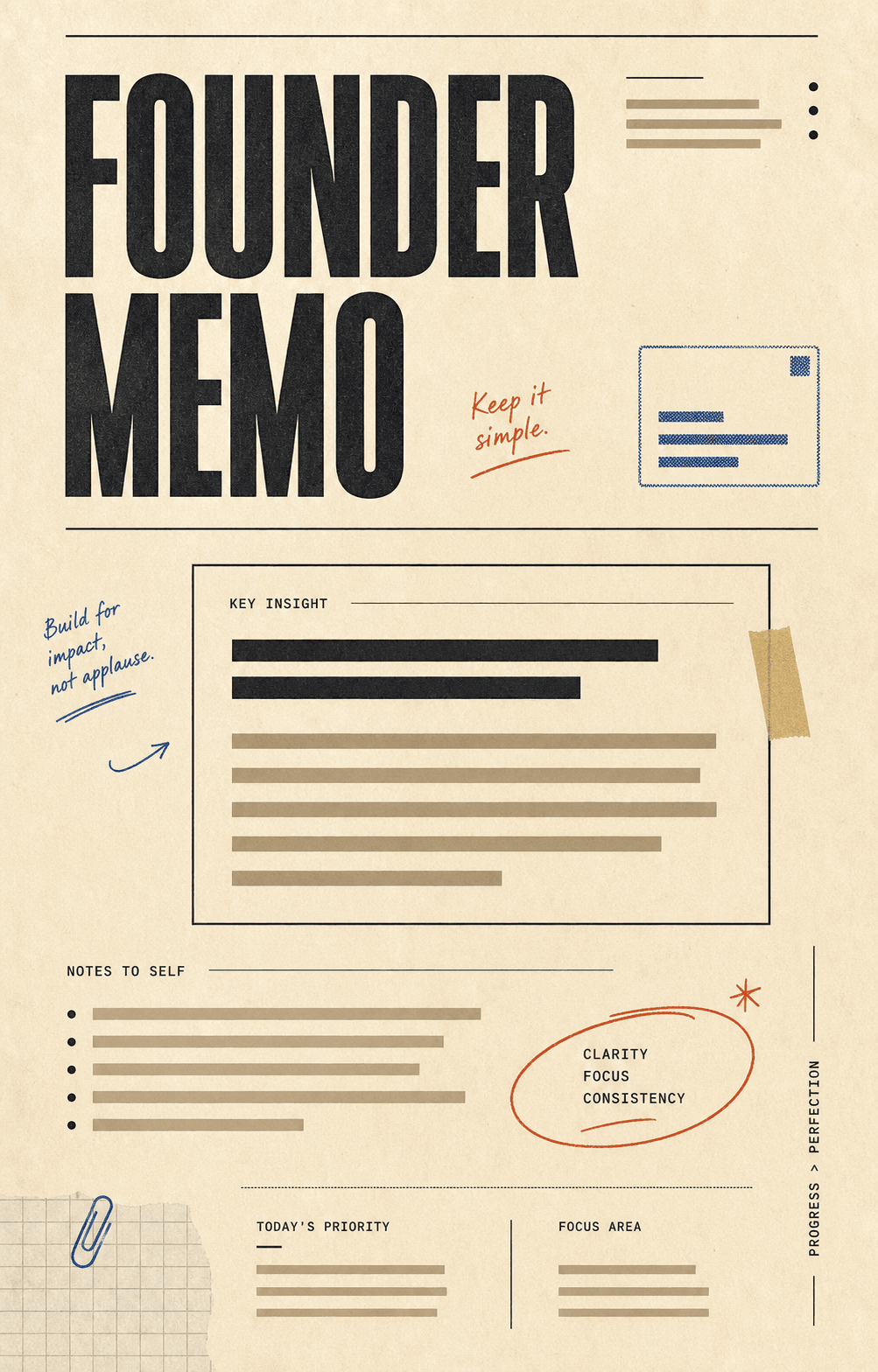
 01
01Warm paper, annotation marks, stamped modules, and structured note layouts.
Use template
Generate LinkedIn document posts from a prompt. Each slide becomes one page. Export a single PDF — sized, paced, and ready to upload as a swipeable document.
Hook slide
Insight 1
Insight 2
Insight 3
Closing CTA
A topic, an essay draft, a thread. Carouzel structures it into a paced page-by-page sequence.
Tweak any page in the editor. Your colors, fonts, and logo flow through every page automatically.
Download a single multi-page .pdf and upload it directly as a LinkedIn document post.
Every page is rendered at the ratio and resolution LinkedIn renders cleanly. No guesswork, no cropping.
Maximum in-feed real estate on LinkedIn. Every page exported at the right dimensions.
Most posts perform best between 6 and 12 pages. Carouzel guides pacing without locking you in.
One clean PDF — title metadata included — ready to upload as a native document post.
The format is simple. Getting the pacing, hook, and visual rhythm right is not. Carouzel handles every layer.
Carouzel knows page 1 carries the hook, page 2 carries the promise, and the last page closes. Pages in between earn the swipe.
Your typography, colors, and logo applied across every page. The PDF feels like a real document, not a slide deck.
Founder memo, market ledger, agency editorial, brutalist newsroom. Each is a complete document system.
Regenerate, rewrite, or restyle a single page without touching the rest. Iterate fast without re-rolling the whole carousel.
Download one .pdf with every page bundled, sized, and ordered. Drag into LinkedIn and publish.
Carouzel keeps your drafts versioned, so you can re-export an updated PDF without rebuilding from scratch.
These templates lean into the page-by-page format — typography-led, structured, opinion-forward. Perfect for the LinkedIn feed.
01Warm paper, annotation marks, stamped modules, and structured note layouts.
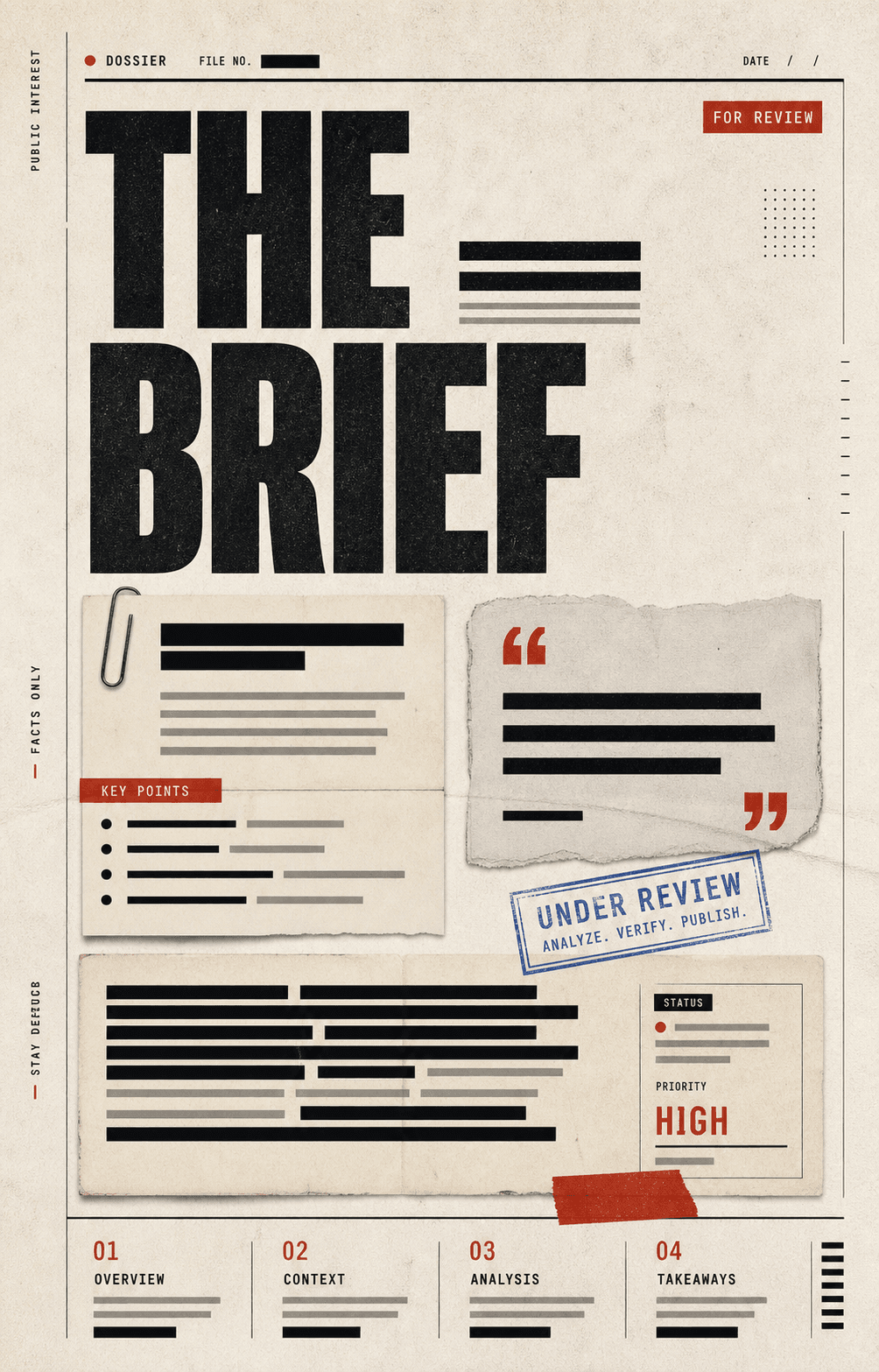 02
02Clipped-paper panels, redaction bars, marginal labels, and sharp briefing energy.
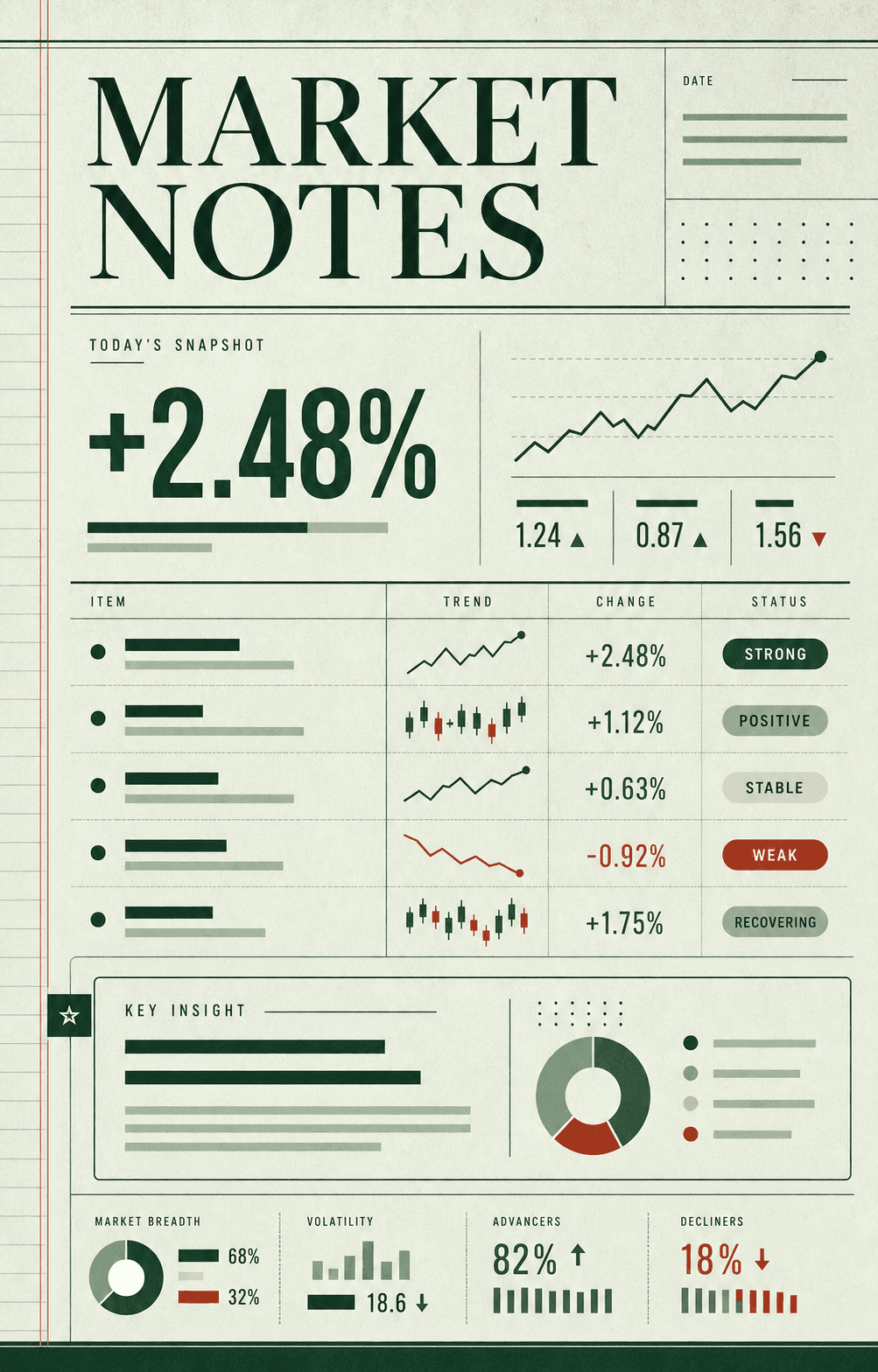 03
03Ledger rows, status chips, sparkline fragments, and calm business analysis.
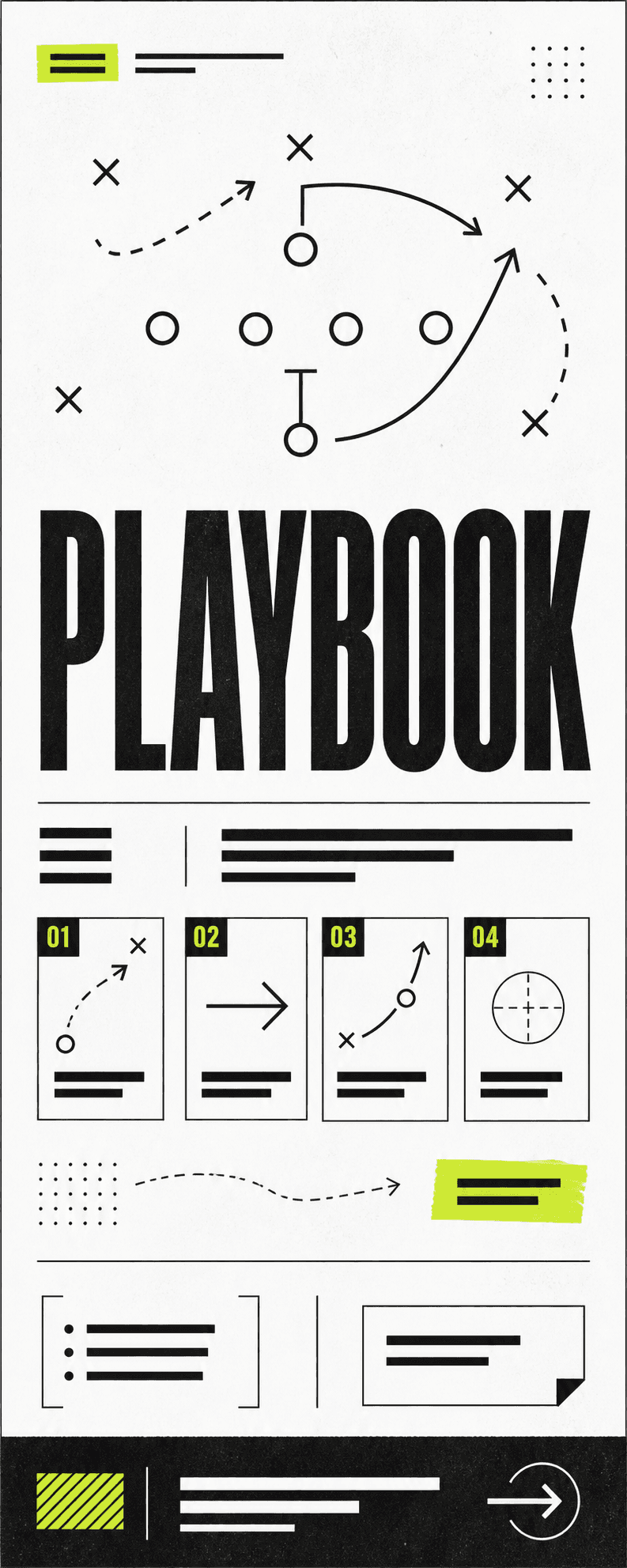 04
04Tactical arrows, numbered blocks, route diagrams, and no-nonsense strategy.
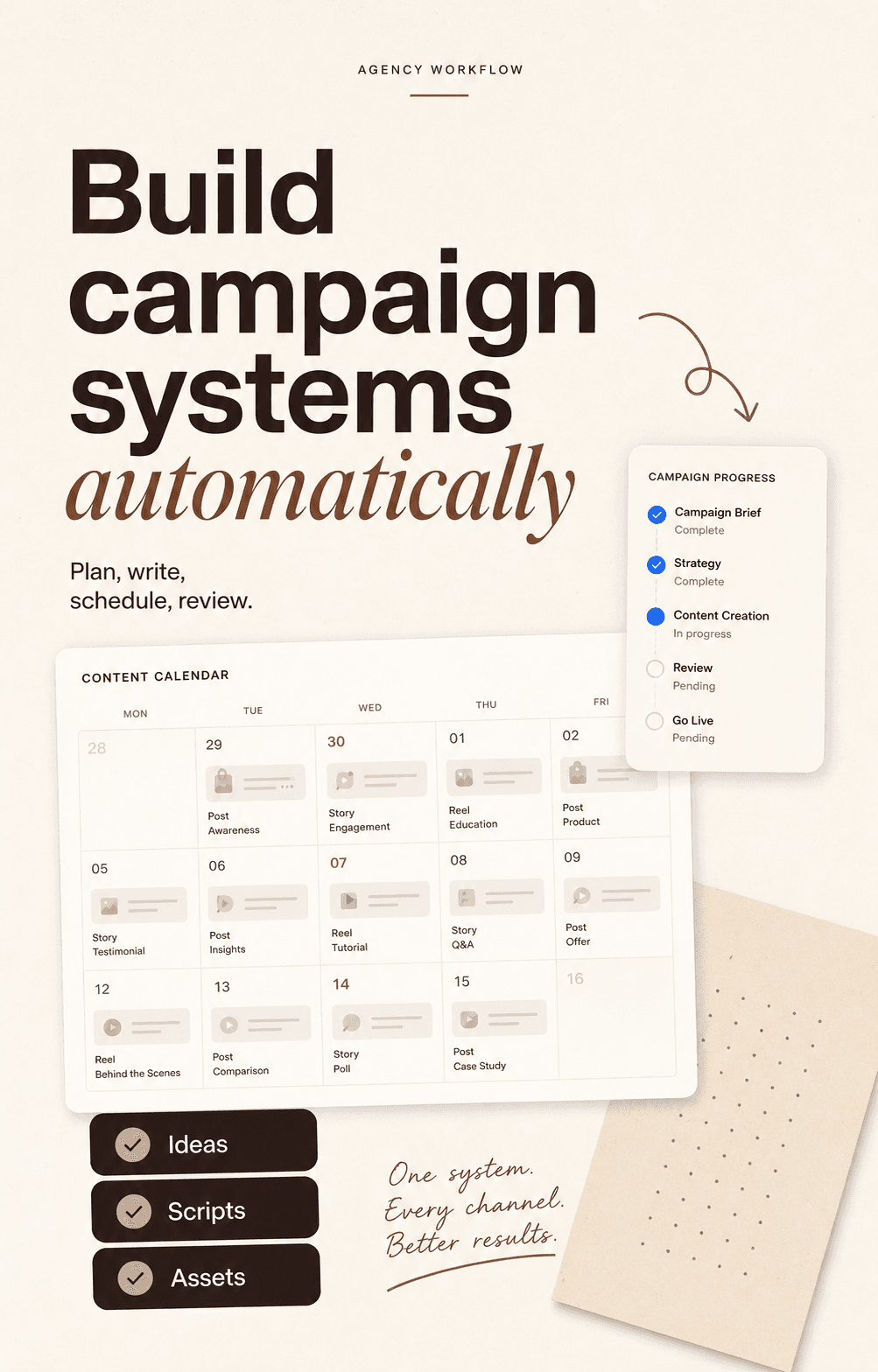 05
05Cream editorial layouts, huge sans and italic serif type, workflow mockups, and checklist modules.
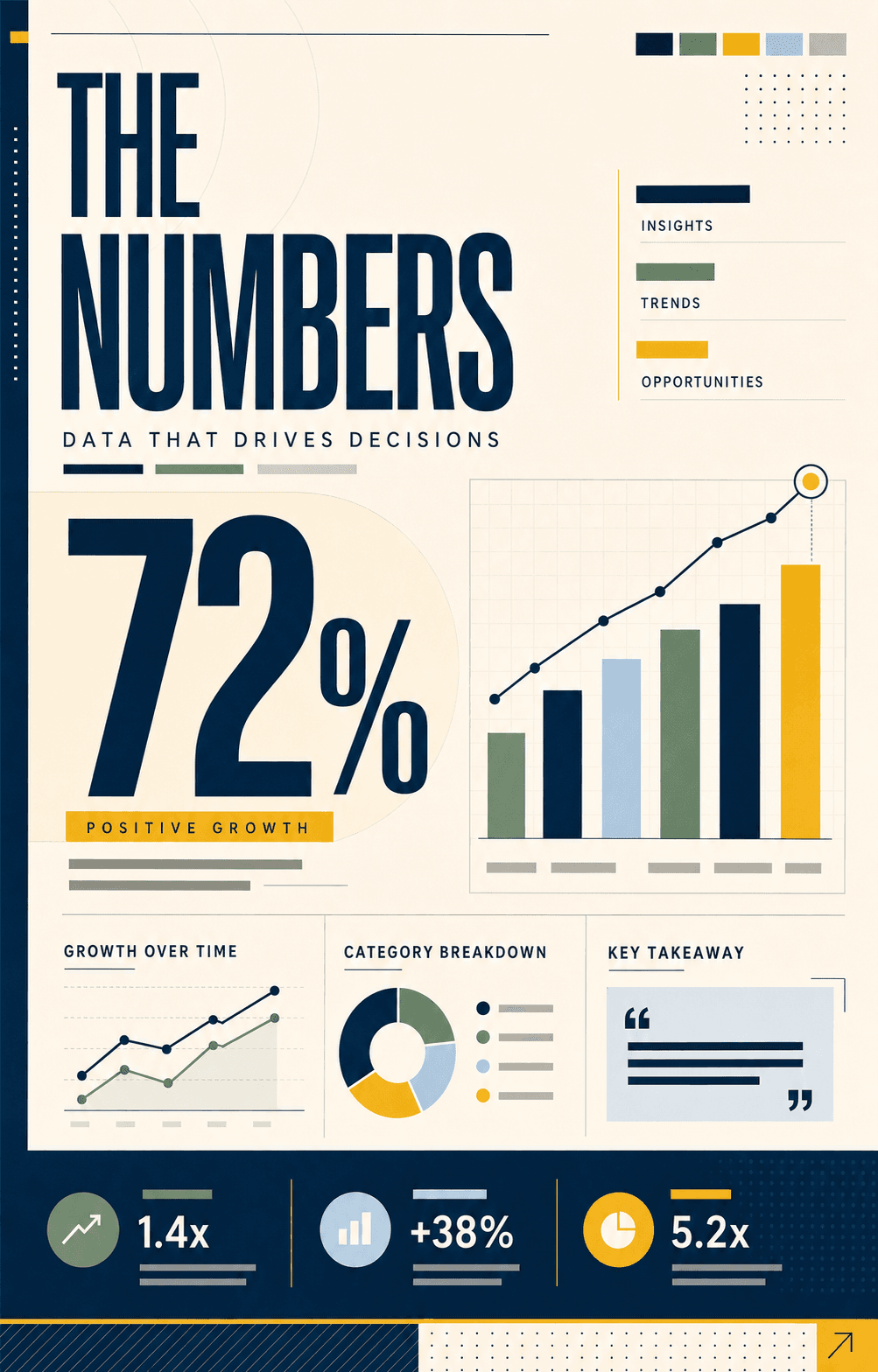 06
06Metric-led layouts with precise grids, charts, and clean technical hierarchy.
 07
07Charcoal surfaces, pearl type, thin metallic rules, and restrained spacing.
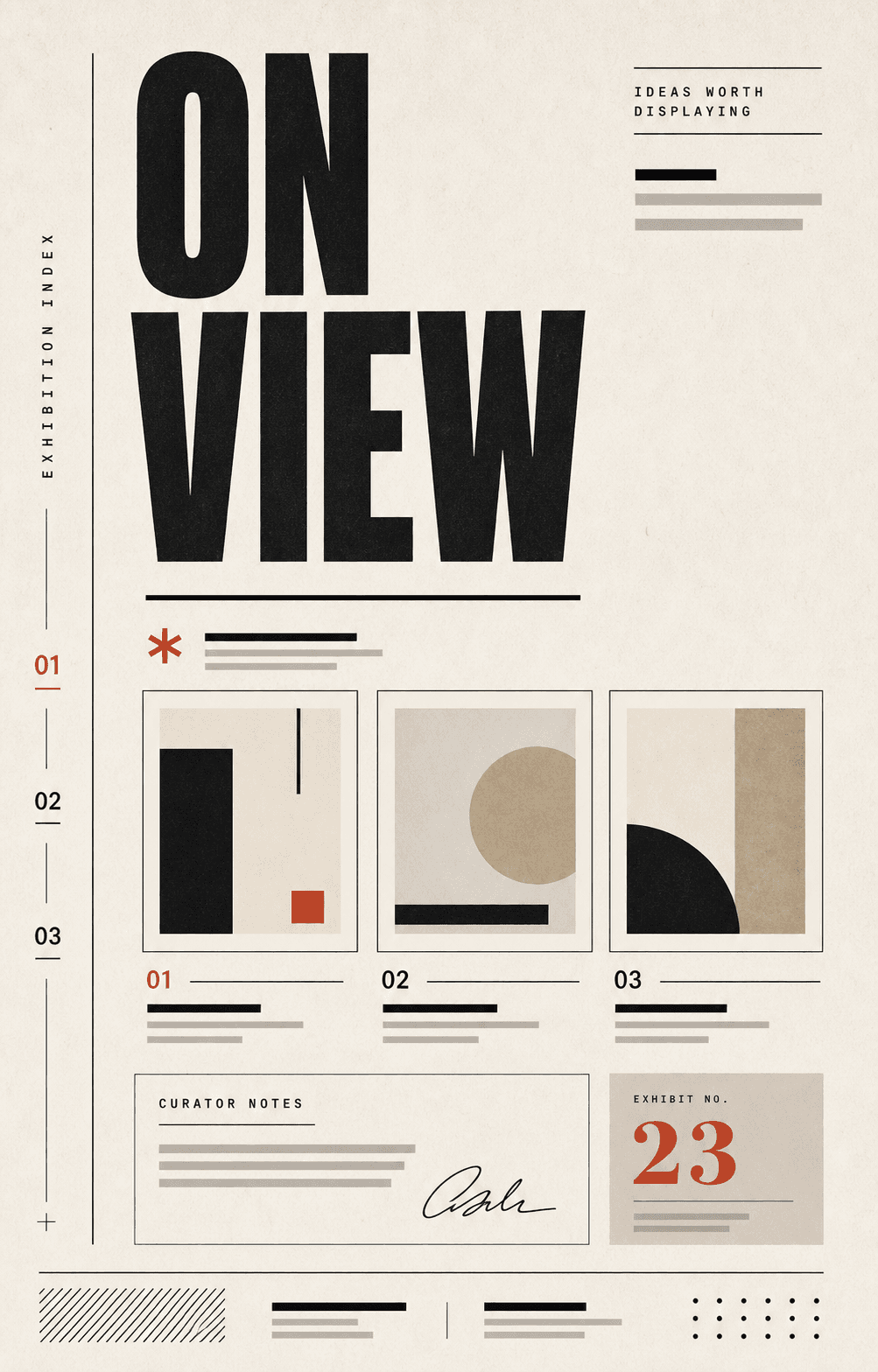 08
08Museum labels, exhibit panels, vertical indexes, and quiet curator notes.
A LinkedIn PDF carousel (also called a document post) is a multi-page PDF uploaded as a document. LinkedIn turns it into a native swipeable carousel inside the feed — historically one of the highest-reach formats on the platform.
Most high-performing document posts land between 6 and 12 pages: a hook page, 4–9 insight pages, and a closing CTA. Carouzel defaults to that range and lets you go shorter or longer when needed.
Carouzel exports each PDF page at 1080 × 1350 (4:5 portrait) — the ratio that takes the most space in the LinkedIn feed. The full document is bundled into one multi-page PDF.
Yes. That's the default export. One slide becomes one page. The file is a single .pdf you can upload directly as a LinkedIn document post.
Yes. The output is fully editable. Rewrite copy, change layouts, swap colors, reorder slides, regenerate a single slide. Export to PDF when you're happy with the draft.
On the LinkedIn web app or mobile, click 'Start a post' → the document icon (paperclip / 'Add a document') → upload your PDF, give it a title, and publish. LinkedIn handles the swipeable rendering.
Document posts have historically earned more reach and time-on-post than image carousels on LinkedIn. They also let you ship a more essay-like, longer-form sequence without losing visual polish.
Skip the slide-by-slide design grind. Carouzel writes, paces, brands, and bundles your carousel into a LinkedIn-ready PDF.