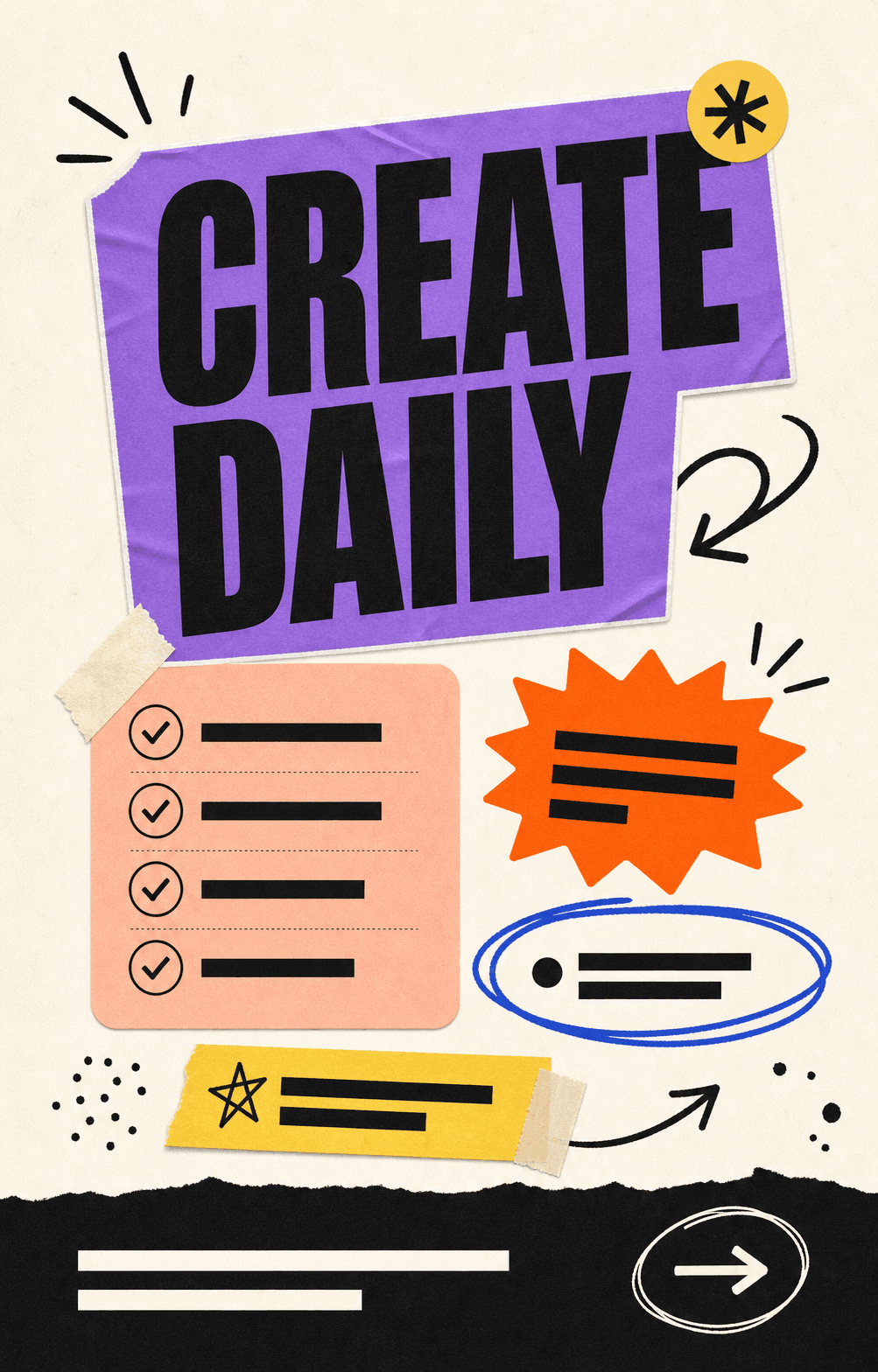
 01
01Sticker panels, marker gestures, saturated accents, and clean whitespace.
Use template
Generate editable Instagram carousels from a prompt. 4:5 portrait or 1:1 square, brand-kit aware, with PNG slides ready to upload.
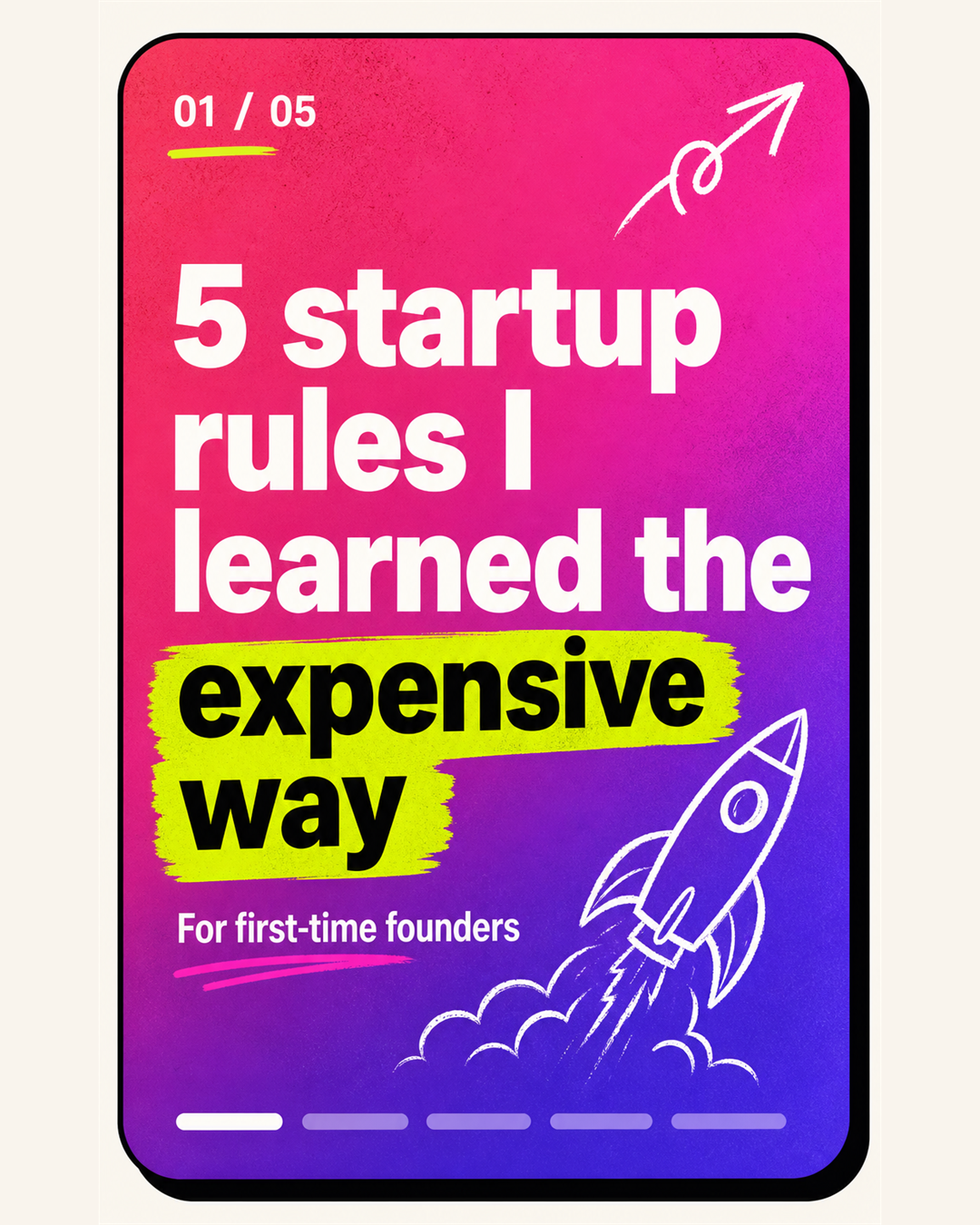
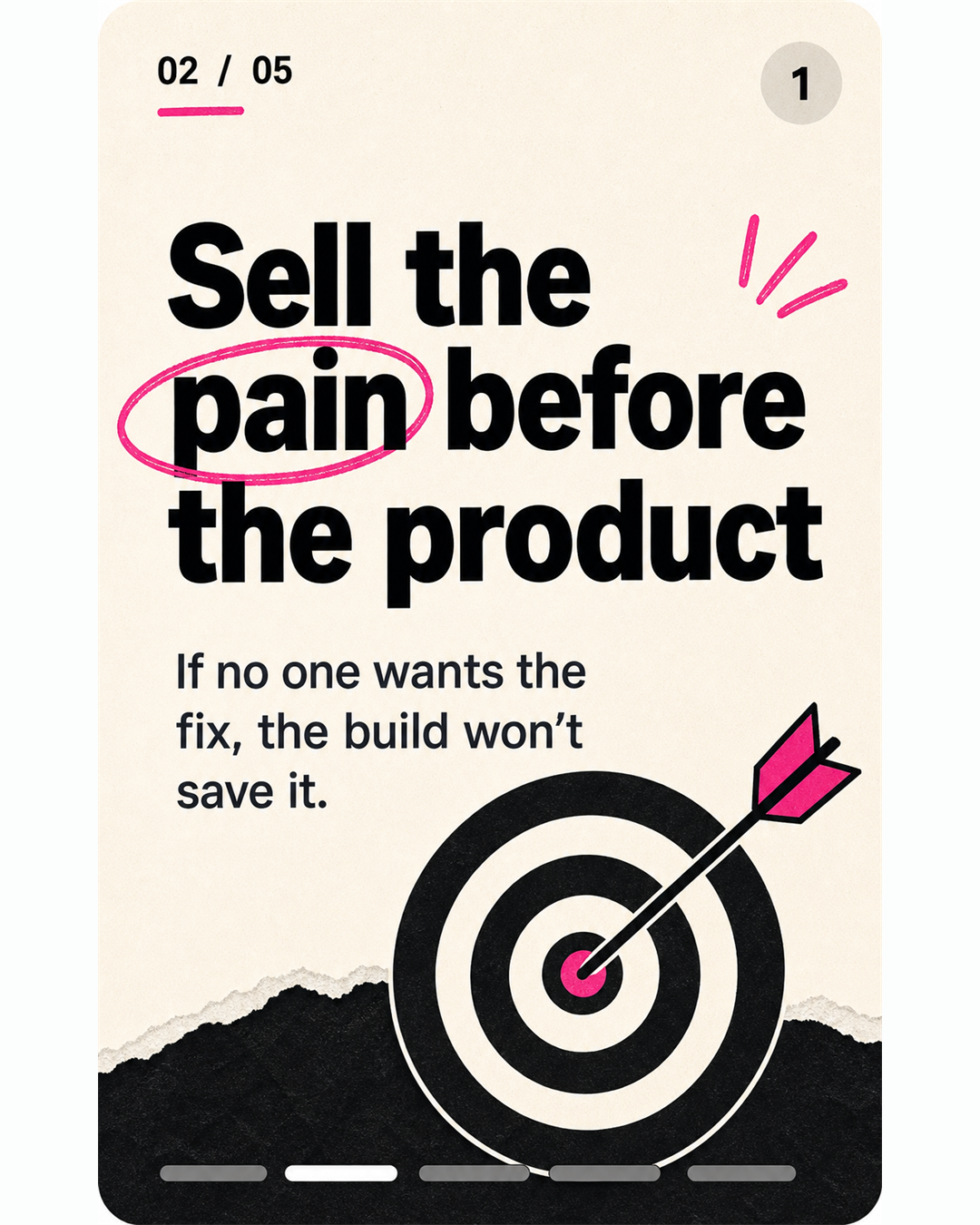
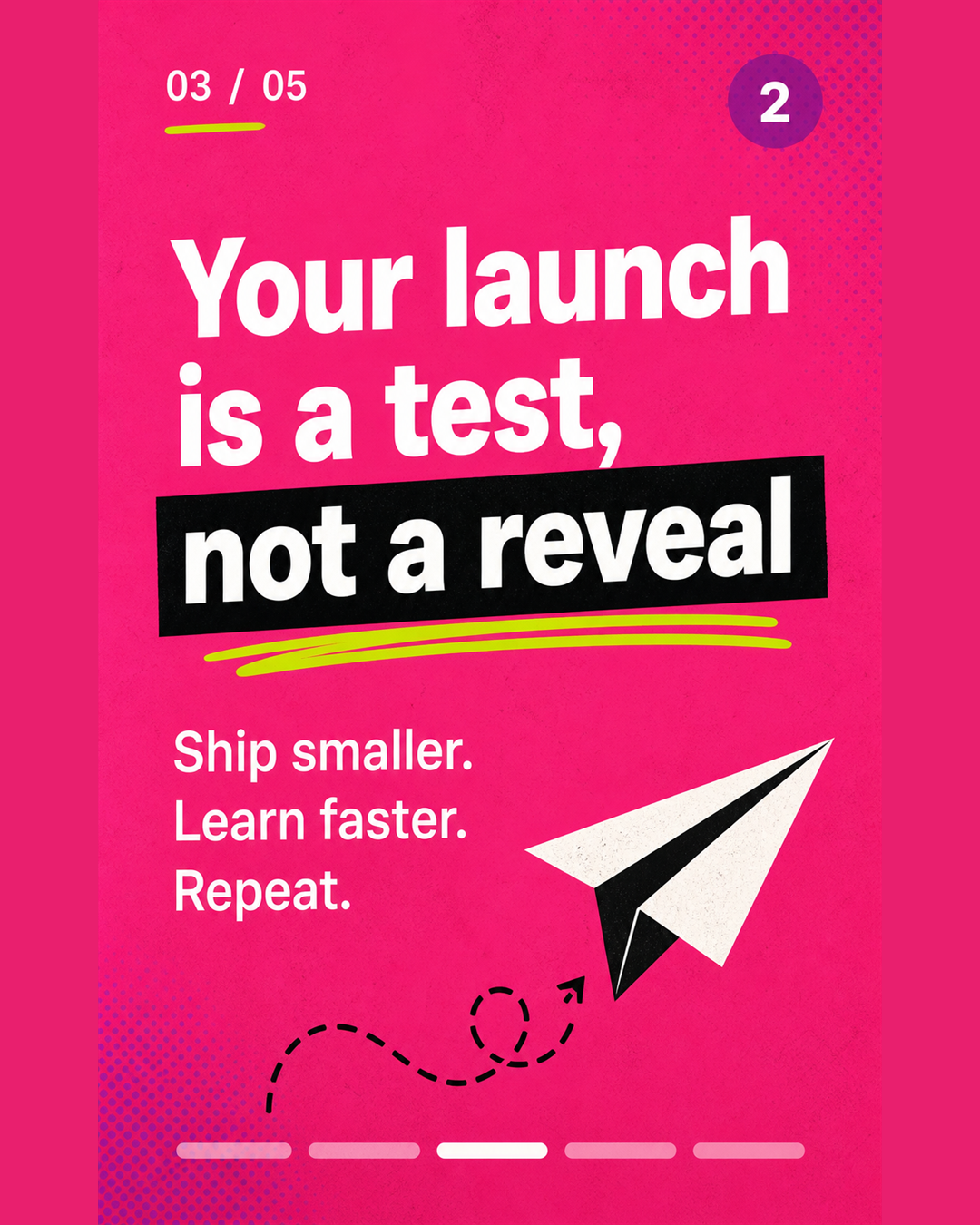
A topic, a draft, or a script. Carouzel plans the slide count, pacing, and hook for the IG feed.
From playful creator to brutalist editorial. Each one is built around how IG carousels actually read.
Get individual 1080 × 1350 PNGs ready for the Instagram app or your scheduler of choice.
Whether you swipe portrait or square, Carouzel exports at the exact dimensions Instagram expects.
The biggest in-feed footprint on Instagram. Recommended default for carousel posts that need attention.
Classic IG ratio. Great when you also want the carousel to read cleanly inside the profile grid.
Re-use any carousel slide as a vertical Reel cover. Same brand kit, same source content, different ratio.
The hard part of a carousel isn't designing it. It's the hook, the pacing, and the slide where everyone bails. Carouzel handles all three.
Slide 1 is built to stop the scroll. The rest pace the message so people swipe all the way to your CTA.
Colors, fonts, logo applied to every carousel. Your feed reads as a body of work, not a stock template.
Playful creator, hot take poster, founder memo, brutalist editorial — start from a visual system, not a blank canvas.
Show Carouzel a carousel you love (or your last winning post) and it will respect the direction without copying.
Regenerate one slide without losing the rest. Rewrite copy in place. Swap layouts in a click.
Get a clean folder of correctly-sized PNGs. Drag them into the IG app or your scheduler — no extra prep.
Each template steers AI generation toward a specific feed aesthetic — bold creator, editorial founder, polished agency — and stays fully editable.
01Sticker panels, marker gestures, saturated accents, and clean whitespace.
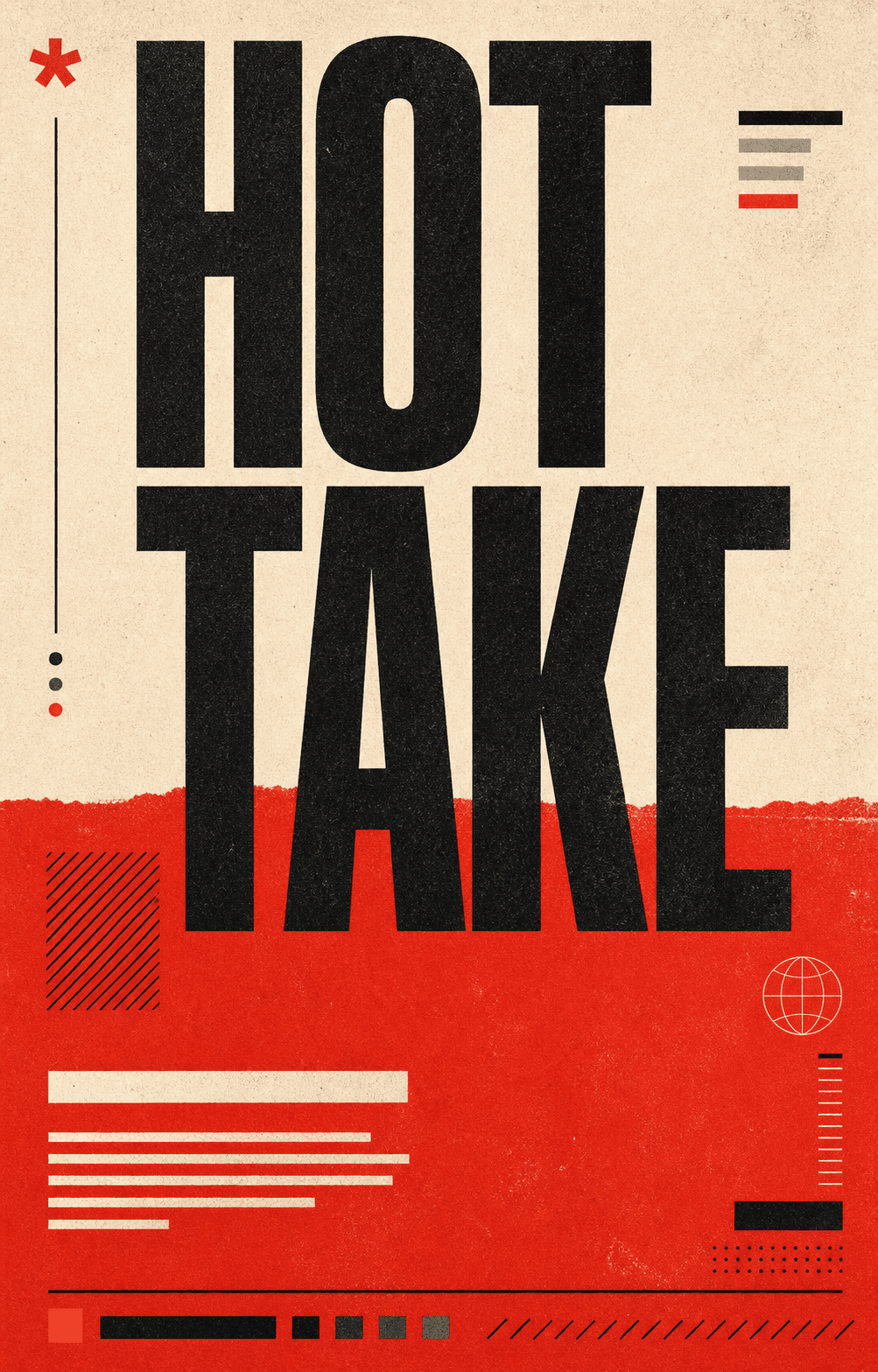 02
02Huge editorial type, red blocks, riso texture, and punchy poster rhythm.
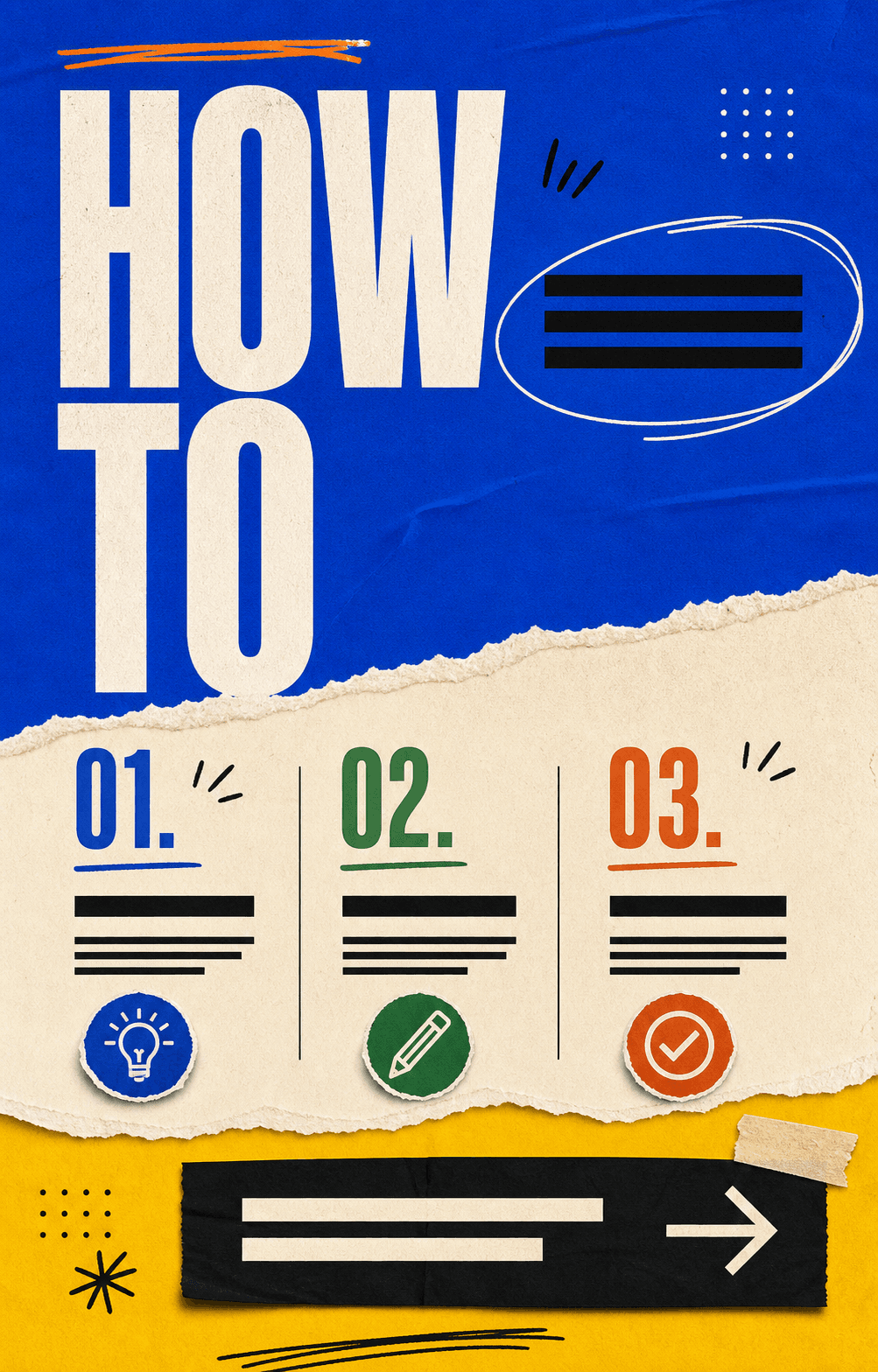 03
03Cut-paper energy, numbered steps, strong CTA areas, and practical hierarchy.
 04
04Natural photo backgrounds, candid people or scenery, bold overlay text, and CTA pills.
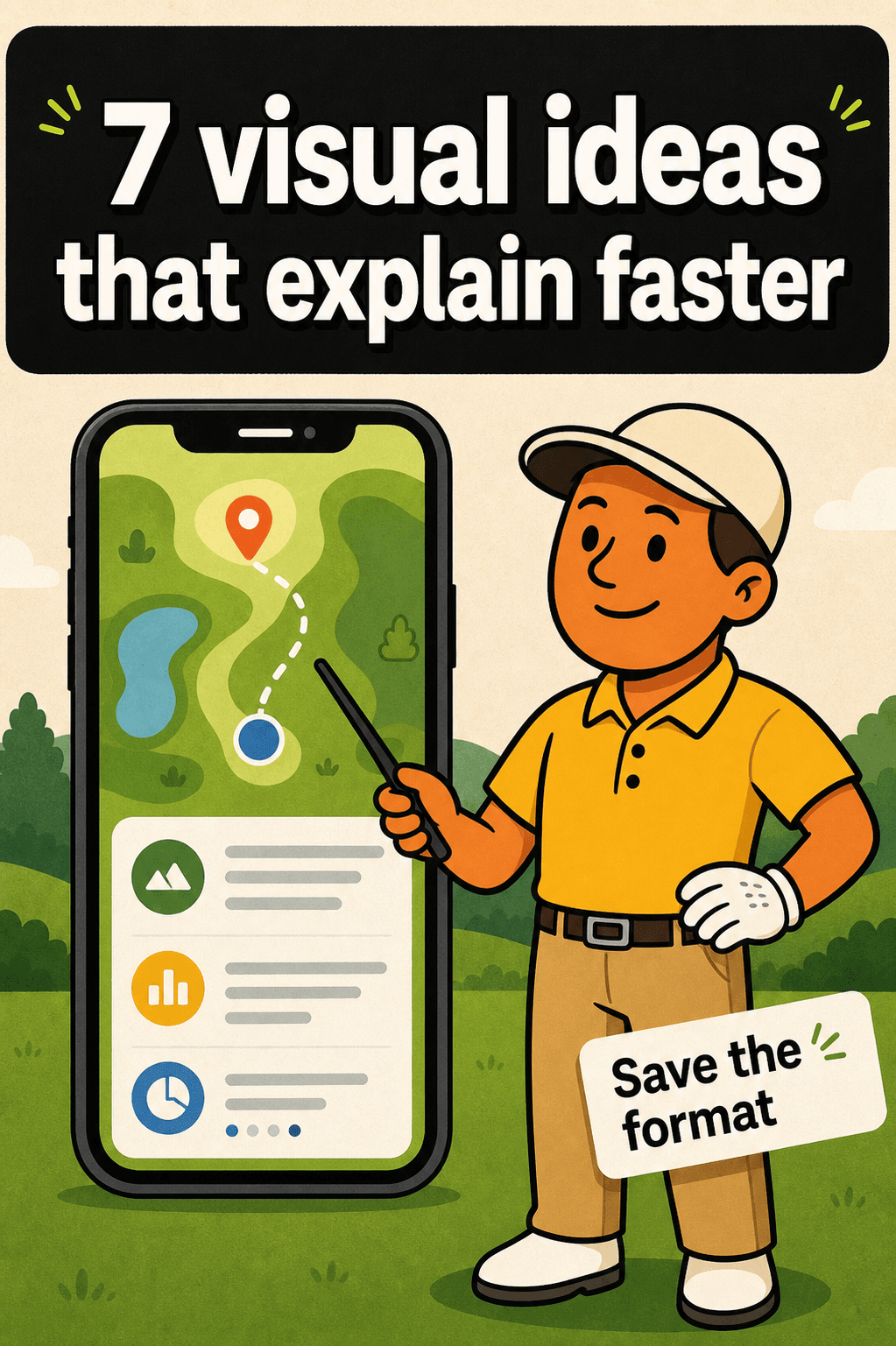 05
05Friendly illustrated characters, thick outlines, simple backgrounds, and bold explainer headlines.
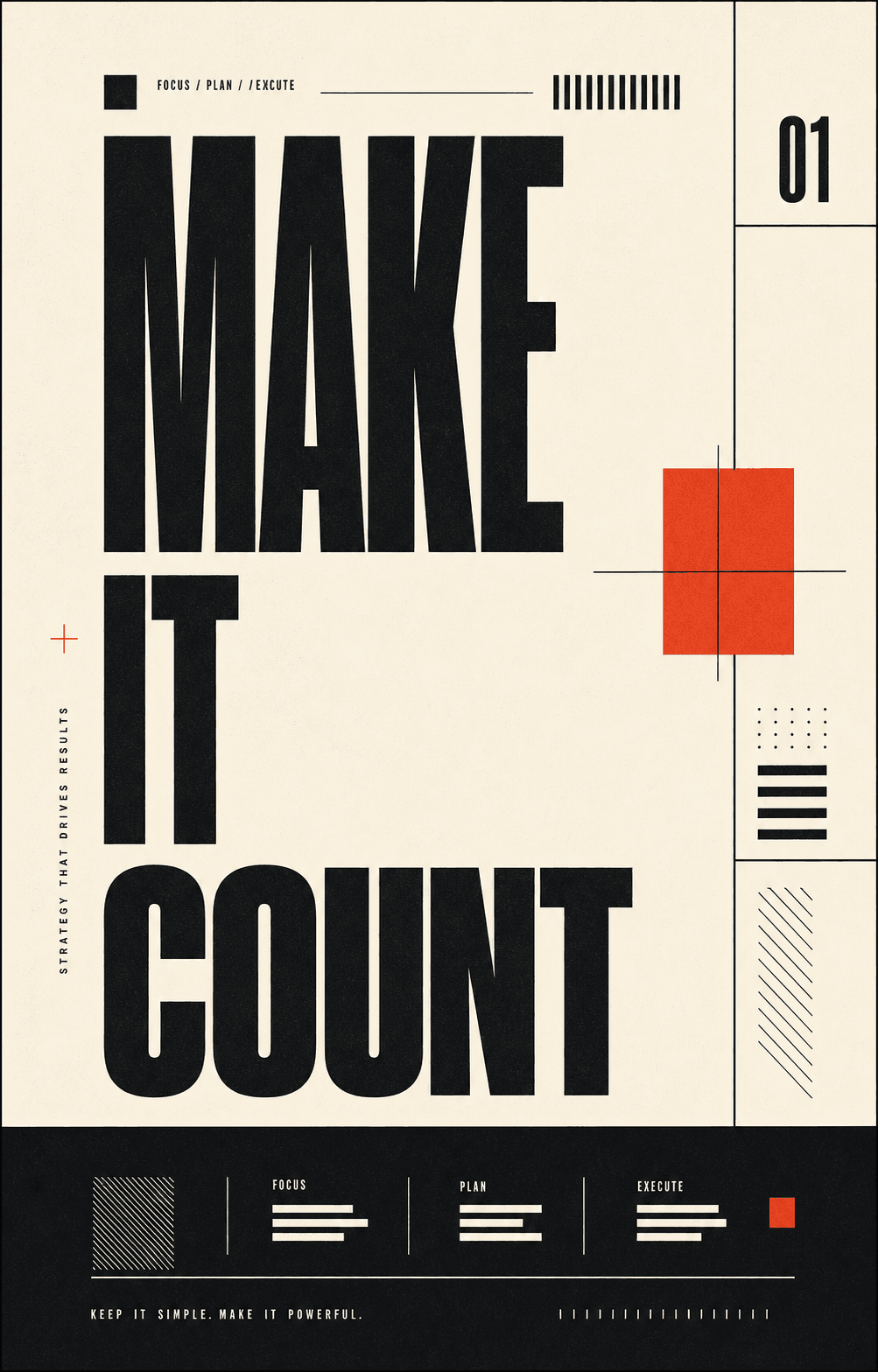 06
06Oversized type, hard grids, ivory paper, black ink, and one sharp red accent.
 07
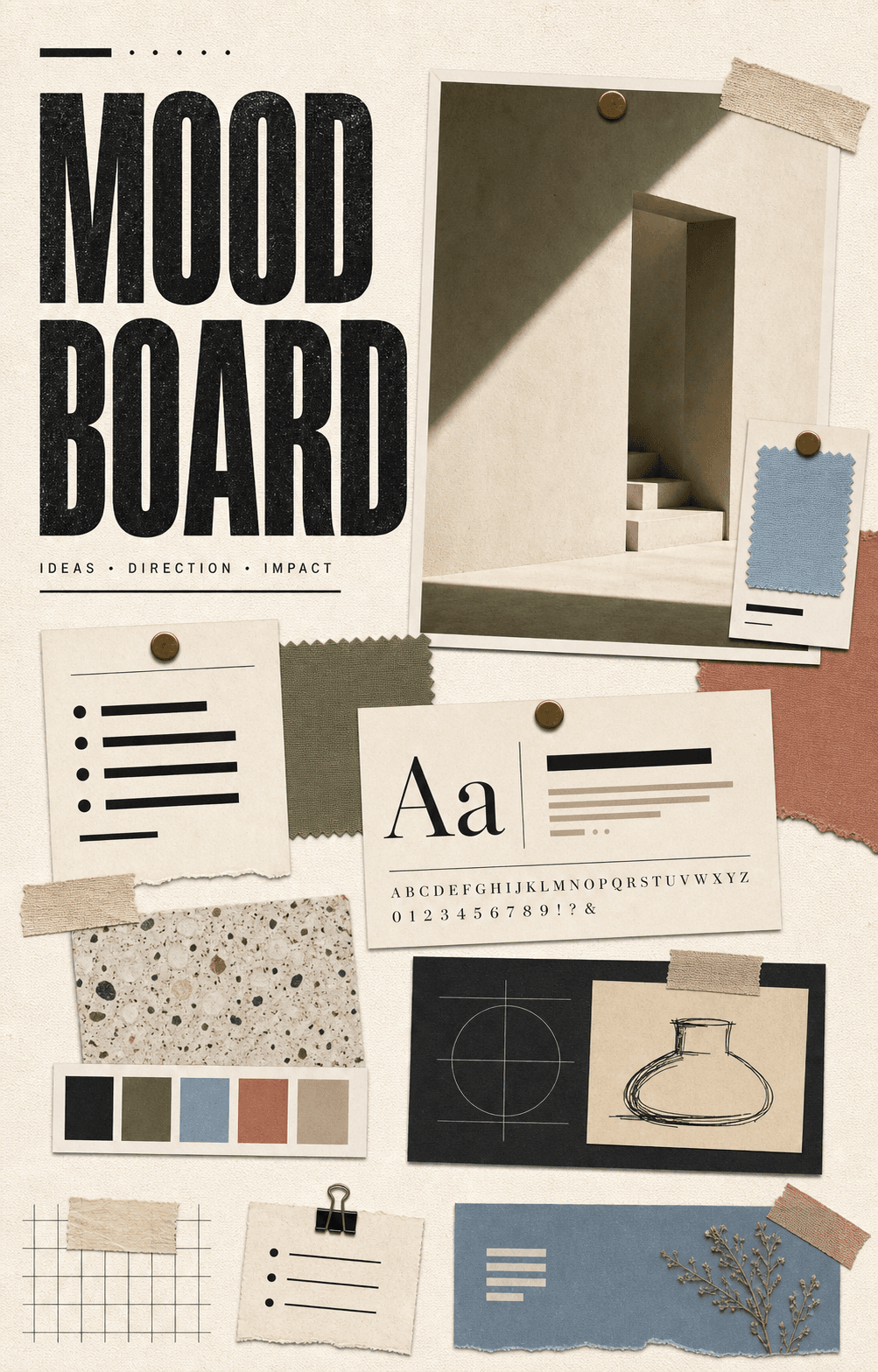
07Pinned tiles, swatches, type specimens, and curated art-direction structure.
 08
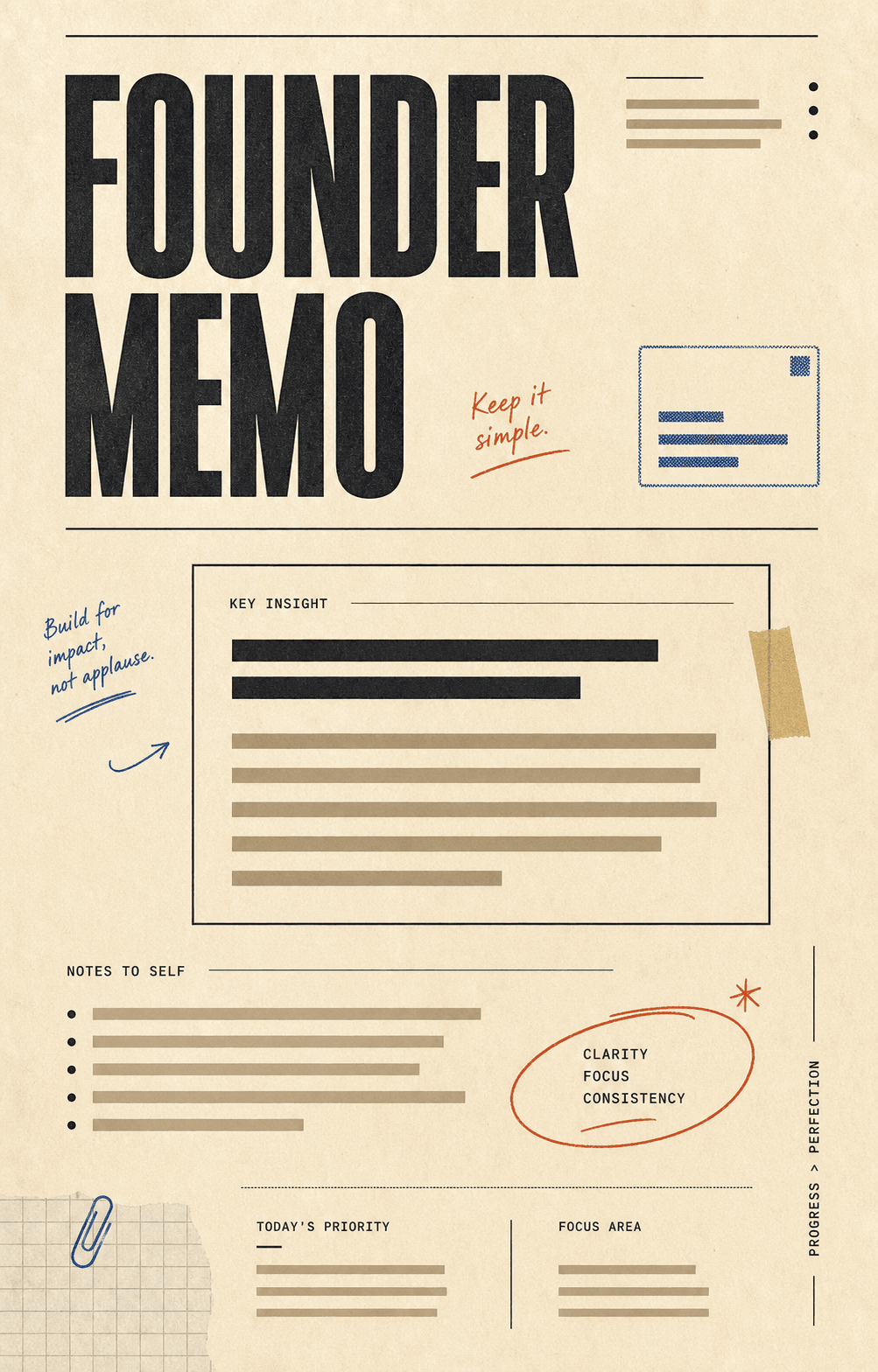
08Warm paper, annotation marks, stamped modules, and structured note layouts.
Instagram supports 4:5 portrait (1080 × 1350) and 1:1 square (1080 × 1080) for in-feed carousels. 4:5 takes more space in the feed and tends to perform better. Carouzel exports at the correct dimensions automatically.
Yes. Every plan exports individual PNG slides at the right Instagram dimensions. You can upload them directly to the IG app, schedule them with your tool of choice, or hand them to a client.
Yes. Add your brand kit once — colors, fonts, logo — and Carouzel applies it to every carousel you generate. Your feed stays cohesive instead of looking like ten different tools made it.
Instagram allows up to 20 slides per carousel. Carouzel can generate any number in that range. The defaults follow the platform sweet spots for engagement (typically 5–10 slides).
Yes. The output is fully editable in the Carouzel editor — copy, layouts, colors, image swaps, slide order, individual slide regenerations. The AI gives you a strong first draft, not a locked file.
Yes. Paste a blog post, script, or any long-form text and Carouzel will reshape it into the rhythm a carousel needs: a strong hook slide, scannable insights, and a closing CTA.
Both. Creators use Carouzel for personal-brand carousels, opinion posts, and educational threads. Brands use it for product explainers, launches, customer stories, and campaign content with their brand kit applied.
Type a prompt. Pick a template. Get back a publishable Instagram carousel with your brand kit already applied.