 01
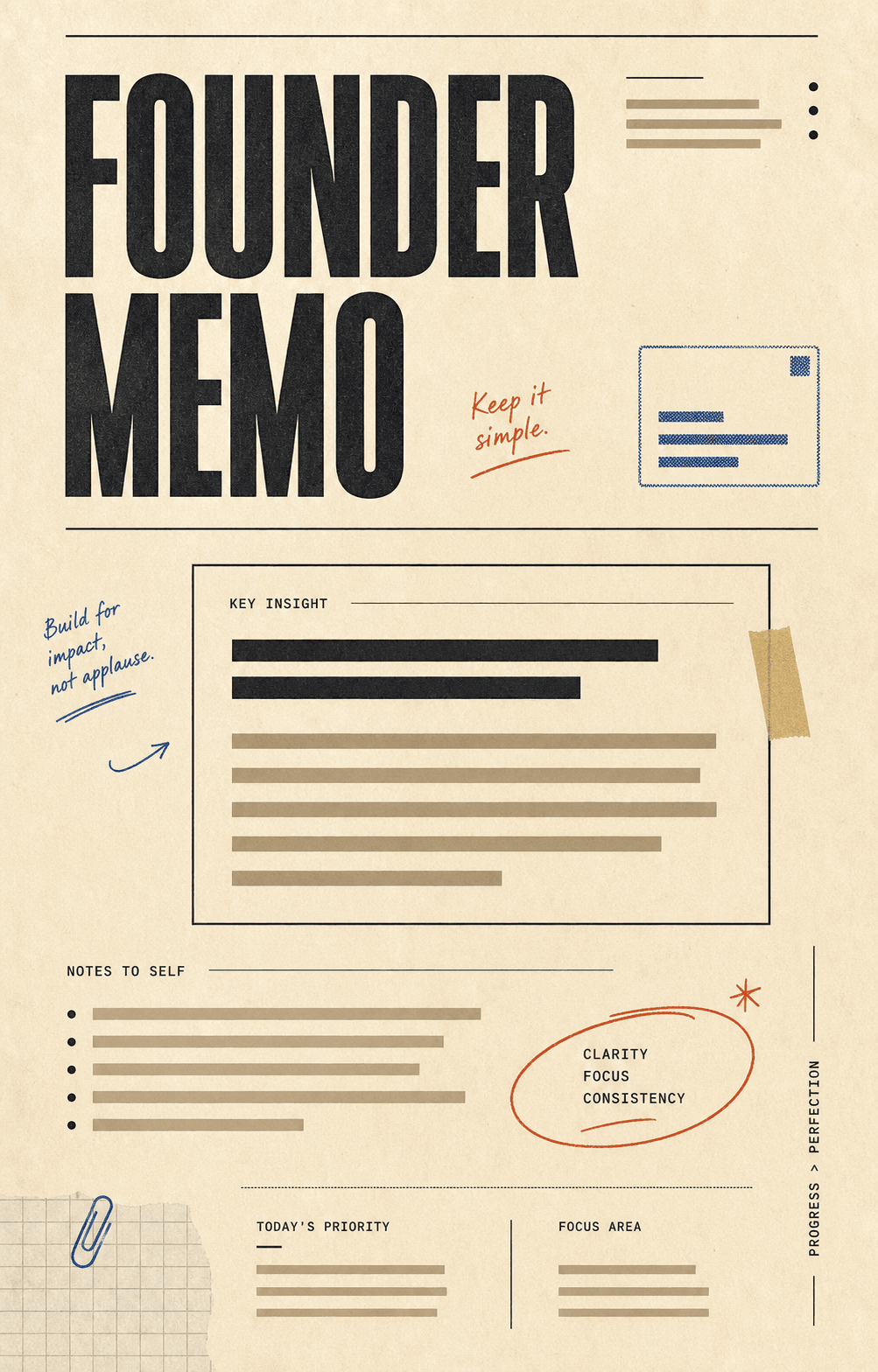
01Warm paper, annotation marks, stamped modules, and structured note layouts.
Use template
Turn an outline, draft, or rough idea into a LinkedIn carousel post with clean hooks, paced slides, and document-ready exports your feed will actually stop for.
The founder lesson I keep relearning
Most decisions are reversible. Stop pretending they aren't.
Your moat is how fast you ship.
Save this for your next board update.
“3 founder lessons from a hard quarter”
A topic, a tweet thread, a blog post, or a back-of-napkin sketch. Carouzel reads it and plans the slide sequence.
Founder memo, agency editorial, brutalist take, market ledger. Each template steers tone and visual hierarchy.
Upload PNG slides or hand LinkedIn a single PDF — the platform turns it into a native document carousel.
LinkedIn supports image carousels and document posts. Carouzel exports cleanly to both, so you can match the format to the message.
Best for short, hook-led carousels with visual punch. Upload as a multi-image post.
Best for longer essays and frameworks. LinkedIn treats it as a swipeable document — the gold standard for reach.
Pull any single carousel slide as a standalone image post for quick takes.
LinkedIn carousels live or die by the hook, the slide rhythm, and the closing CTA. Carouzel writes for that, not for a generic social feed.
Tone presets and writing-sample matching so output reads like a real founder, not a content farm.
Slide 1 is engineered to earn the swipe. The rest pace insights so people actually reach your CTA.
Save unlimited brand kits — one per client, one per personal brand — and switch between them in a click.
Founder memo, agency workflow, market ledger, brutalist editorial. Each is a complete visual system, not a single page.
Regenerate one slide. Rewrite a line. Swap a layout. Carouzel hands you a draft you can shape, not a black box.
Export every slide into a single LinkedIn-ready PDF. Sized, paced, and ready to upload as a document post.
LinkedIn doesn't reward flashy. It rewards clarity, opinion, and structure. These templates lean into that.
01Warm paper, annotation marks, stamped modules, and structured note layouts.
 02
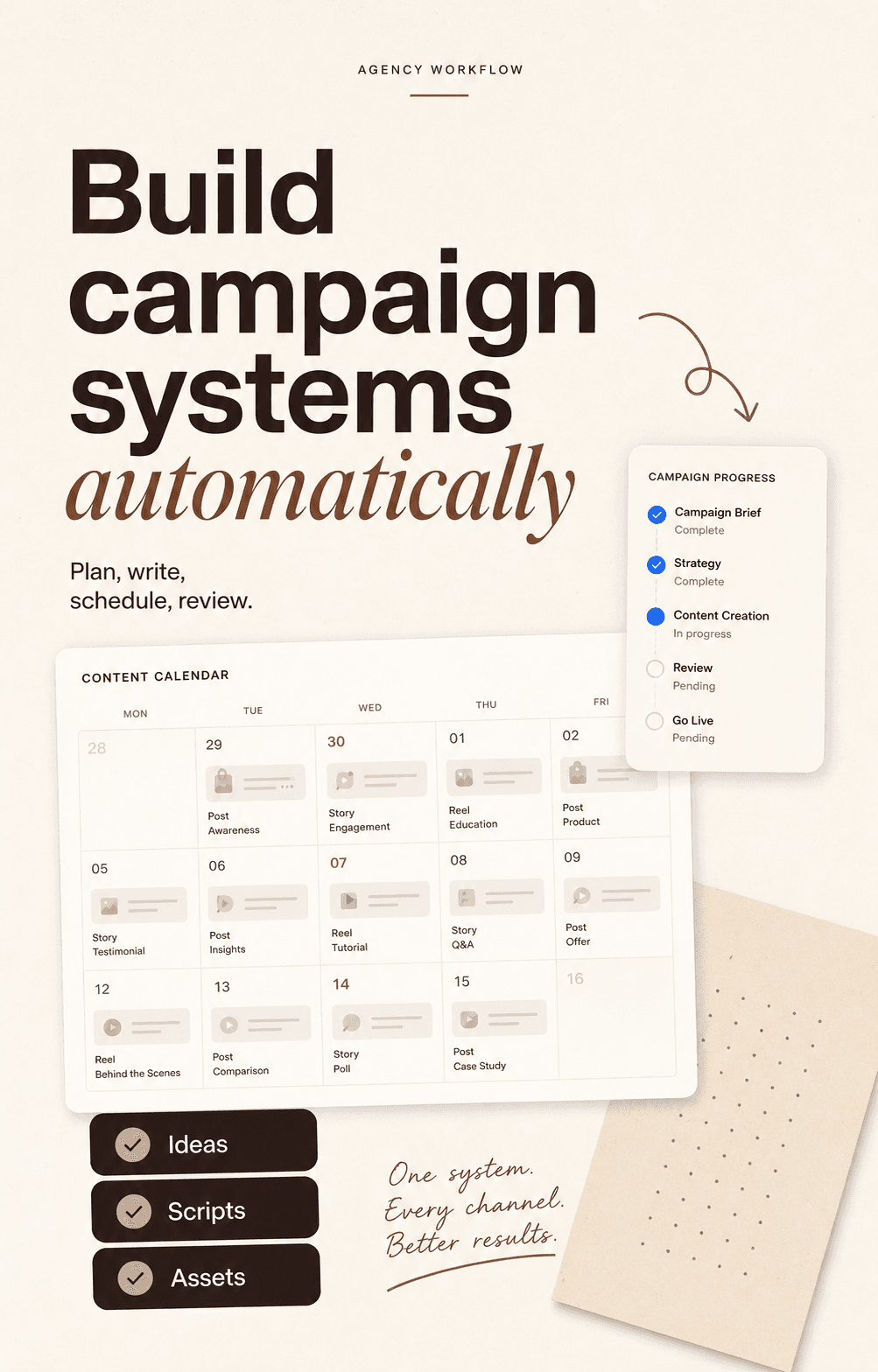
02Cream editorial layouts, huge sans and italic serif type, workflow mockups, and checklist modules.
 03
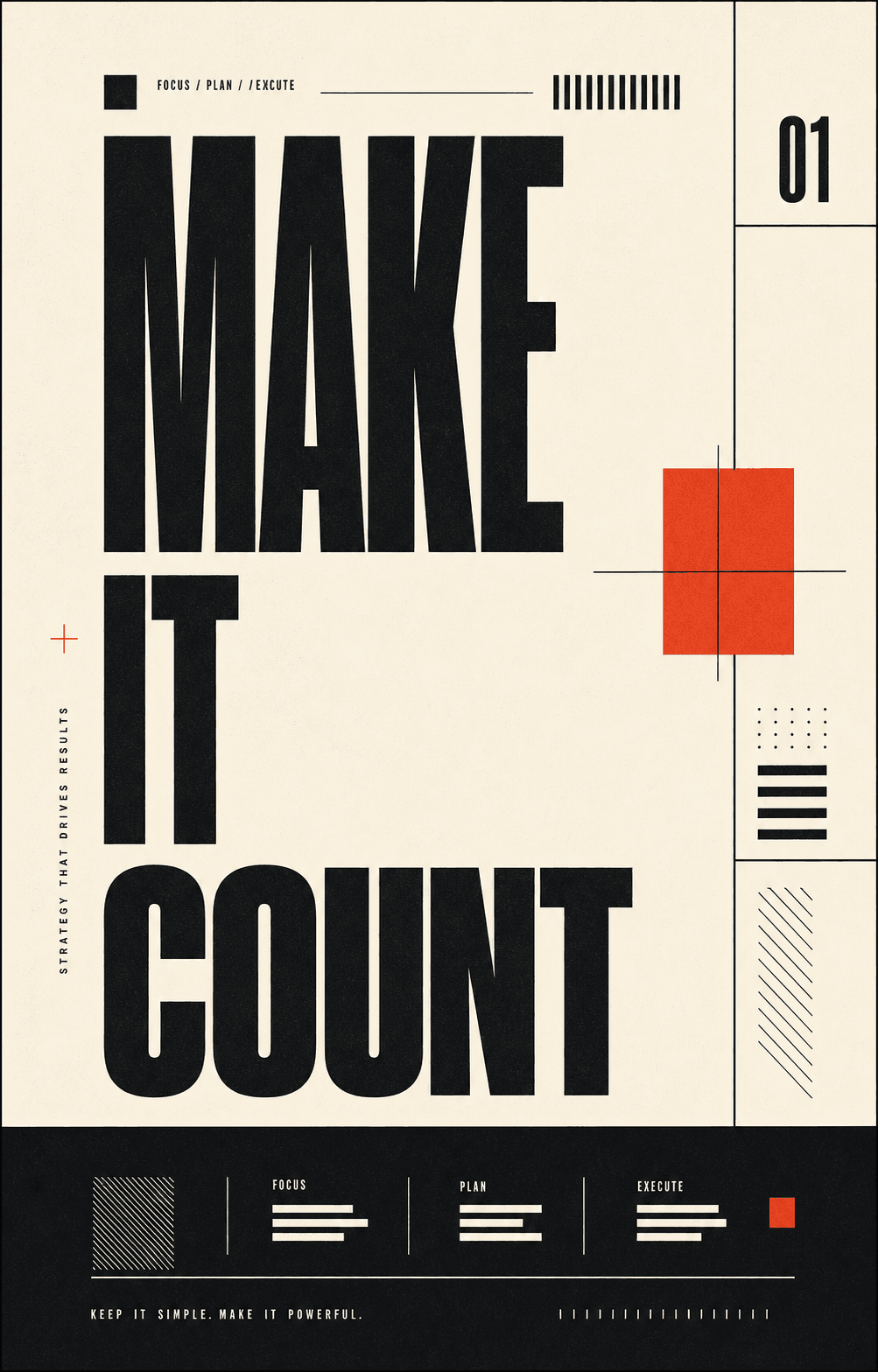
03Oversized type, hard grids, ivory paper, black ink, and one sharp red accent.
 04
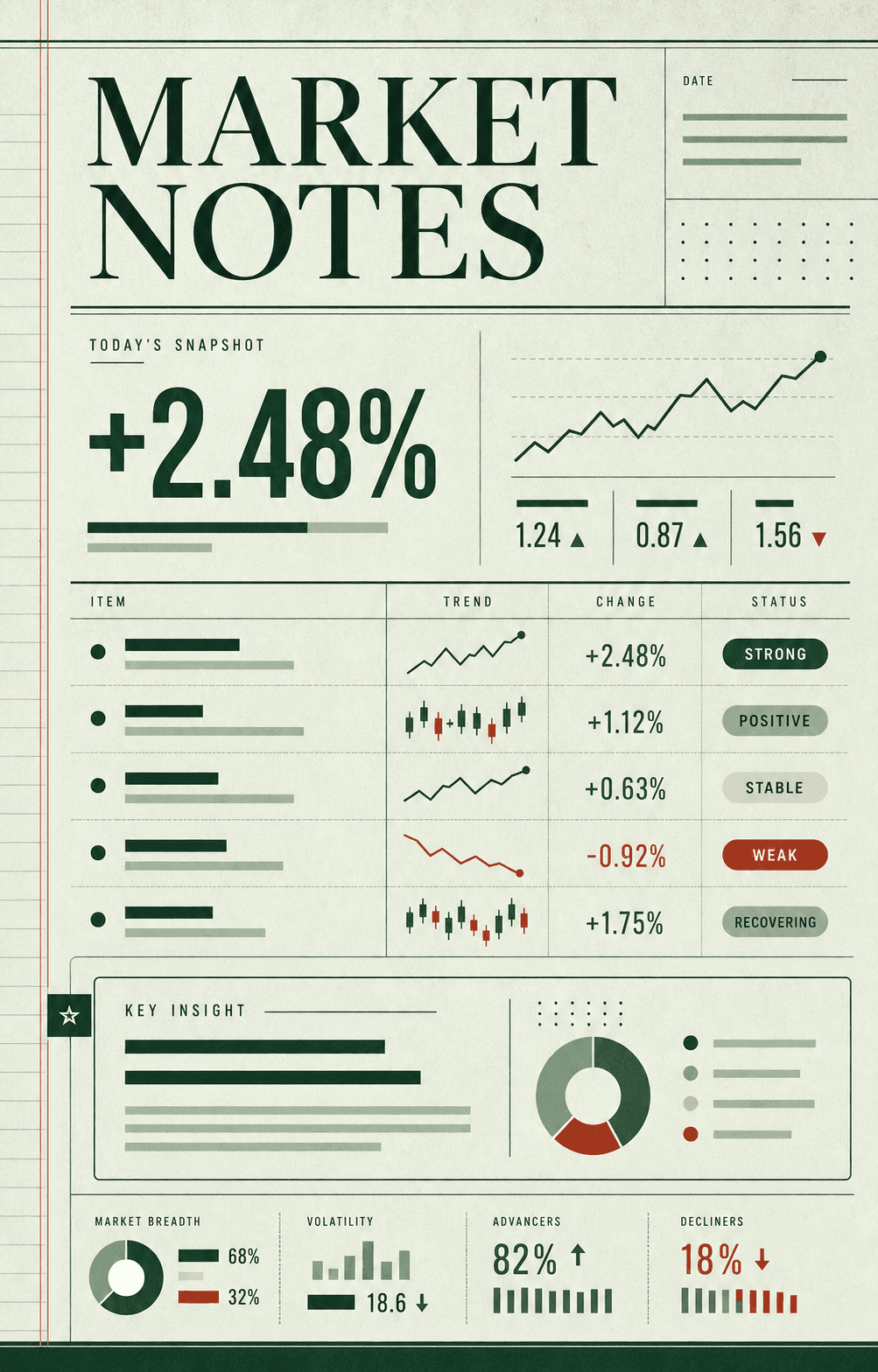
04Ledger rows, status chips, sparkline fragments, and calm business analysis.
 05
05Tactical arrows, numbered blocks, route diagrams, and no-nonsense strategy.
 06
06Metric-led layouts with precise grids, charts, and clean technical hierarchy.
 07
07Clipped-paper panels, redaction bars, marginal labels, and sharp briefing energy.
 08
08Museum labels, exhibit panels, vertical indexes, and quiet curator notes.
Type a prompt or paste your outline, pick a template that matches your voice, then export. Carouzel generates a paced sequence of slides — hook, insights, CTA — and you can upload them as PNGs or as a single PDF document post.
Yes. The PDF export bundles every slide into a single multi-page document at 1080 × 1350. Upload it as a LinkedIn document post and the platform turns it into a native swipeable carousel.
Founder lessons, hard-won frameworks, opinionated takes, case studies, agency teardowns, hiring philosophies, and post-mortems all perform well. Anything that delivers signal slide by slide instead of paragraph by paragraph.
Yes. Paste any post you've written (or a draft) and Carouzel will restructure it as a carousel — hook on slide 1, one insight per middle slide, CTA at the end. Same message, more swipes.
Yes. Many agencies use Carouzel to ship LinkedIn content for founders and executives. Save a brand kit per client, lock in the visual system, and ship carousels at agency pace without the design tax.
Yes. Provide examples of your past writing — old posts, drafts, even bullet notes — and Carouzel will mirror cadence, vocabulary, and rhythm so the output sounds like you, not like an AI.
Canva starts with a blank slide. Carouzel starts with your message: it writes the copy, plans the slide structure, and applies your brand kit before handing you something to refine. You arrive at the editor with a polished draft, not a blank canvas.
Carouzel writes the hook, paces the slides, and applies your brand kit. You spend your time editing, not designing.